Form C1 - Fill, Sign and Download | Confirmation Inventory (Scotland)
ZenDocs is not a law firm and does not provide legal advice
ZenDocs is not a law firm and does not provide legal advice
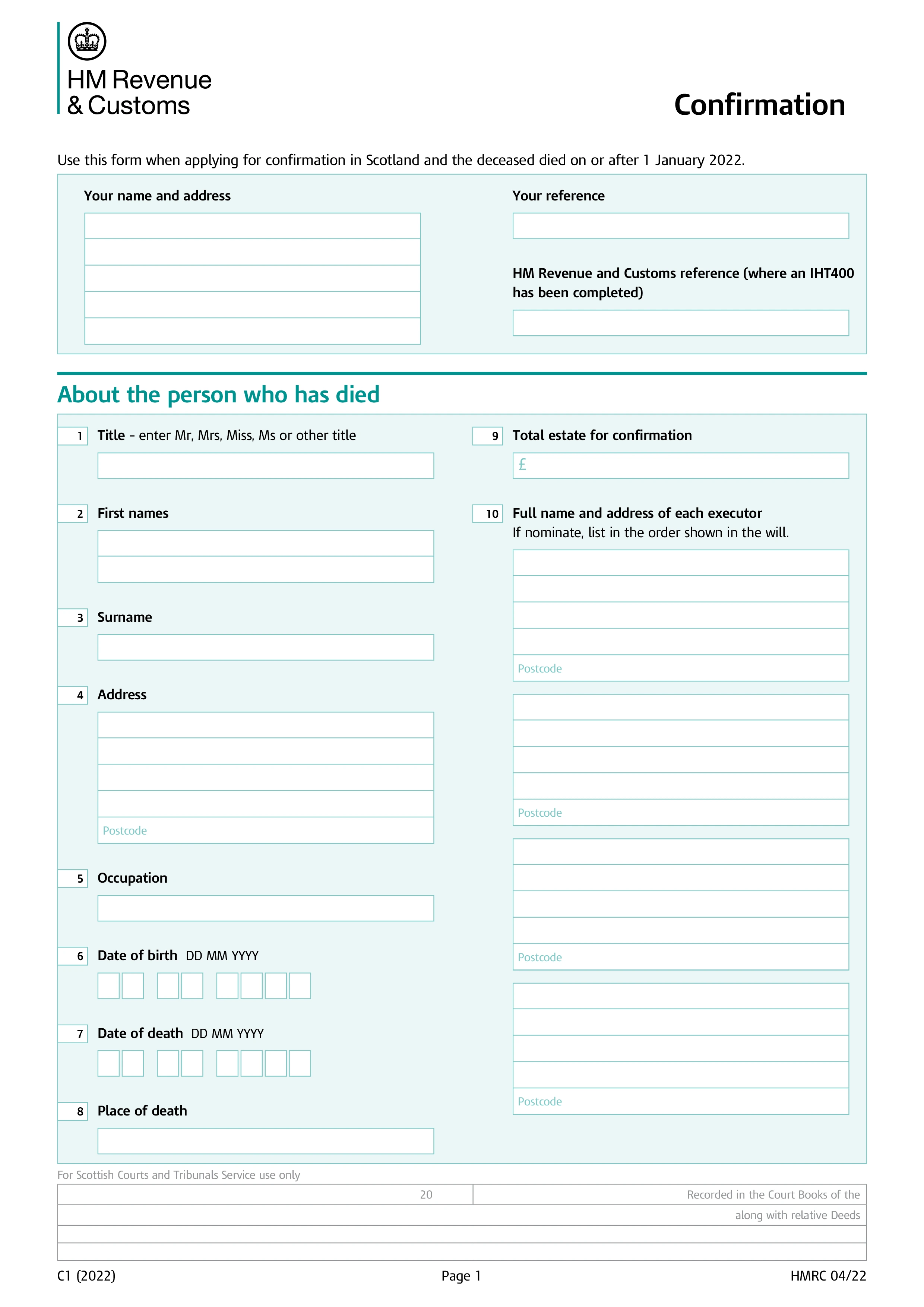
Form C1 is the Confirmation Inventory used in Scotland to apply for Confirmation, the Scottish equivalent of a grant of probate or letters of administration. It's completed by the executor named in the deceased's will, or by whoever is entitled to apply if there's no will, and it lists the full estate so the sheriff court can confirm the executor's authority to deal with it.
The form asks for an inventory of the deceased's heritable estate in Scotland (land and buildings), their moveable estate in Scotland (bank accounts, investments, personal belongings), and any estate in England, Wales, or Northern Ireland if relevant. Each asset is listed with its value at the date of death, along with details of any special destination affecting how it passes. The form then works out the total estate value and the amount for which Confirmation is required.
For smaller estates, the C1 also serves as the Inheritance Tax return, so no separate IHT400 is needed. Larger or more complex estates still need a full IHT400 account submitted to HMRC first, and the C1 then reflects the values agreed with HMRC. Executors dealing with an estate that spans Scotland and other parts of the UK should read the accompanying notes carefully, since the inventory sections differ depending on where the assets are located.
Completed forms, along with the death certificate, the will (if there is one), and the appropriate court fee, are submitted to the sheriff court for the district where the deceased lived. Smaller estates, generally below £36,000, can get help completing the form directly from the sheriff court's Confirmation Office. Once granted, Confirmation gives the executor legal authority to access the deceased's accounts and distribute the estate.
Choose your legal form
Browse the library or search to find the exact template you need
Answer simple questions
The guided editor turns your answers into a finished legal form
Sign your document
E-sign, then download, print, or share your legal document instantly
1.Choose your legal form
Browse the library or search to find the exact template you need
2.Answer simple questions
The guided editor turns your answers into a finished legal form
3.Sign your document
E-sign, then download, print, or share your legal document instantly