Form IHT403 - Fill, Sign and Download | Gifts Schedule for IHT400
ZenDocs is not a law firm and does not provide legal advice
ZenDocs is not a law firm and does not provide legal advice
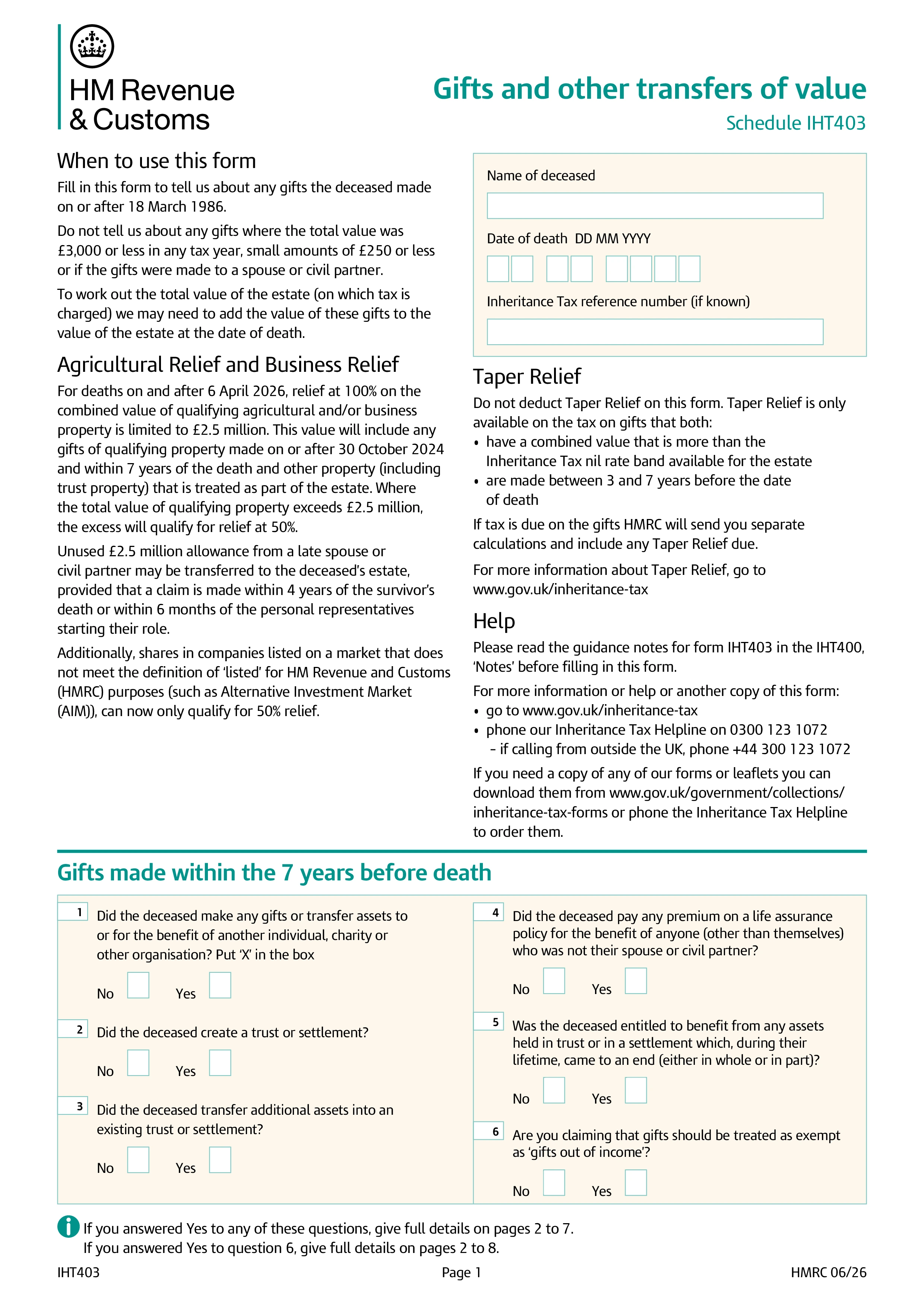
Form IHT403, Gifts and other transfers of value, is the schedule executors attach to the main Inheritance Tax account, Form IHT400, to report gifts the deceased made on or after 18 March 1986. HMRC uses it to work out whether any lifetime gifts need to be added back into the estate for Inheritance Tax purposes, since gifts made within seven years of death can affect the tax due.
You need to report cash gifts, transfers of property or other assets, and gifts into most types of trust, unless they fall within specific exemptions: outright gifts to a spouse or civil partner, small gifts of £250 or less per recipient per year, gifts covered by the £3,000 annual exemption, and regular gifts made out of surplus income. If none of the deceased's gifts fall outside these exemptions, you can generally answer "No" on the relevant IHT400 question and skip the full schedule.
If the deceased gave away an asset, such as their home, but continued to benefit from it, for example by living in it rent-free, HMRC treats this as a gift with reservation of benefit, and the full value is normally brought back into the estate. If the reservation later ended, such as the deceased starting to pay market rent or moving into care, you record that date on IHT403, and the gift becomes a potentially exempt transfer from that point forward.
No. Taper relief reduces the tax charged on gifts made between three and seven years before death, not the value of the gift itself, and you don't calculate it on this form. If tax turns out to be due on any of the gifts reported, HMRC sends a separate calculation that includes any taper relief due, once IHT403 has been submitted with the rest of the IHT400 package.
Choose your legal form
Browse the library or search to find the exact template you need
Answer simple questions
The guided editor turns your answers into a finished legal form
Sign your document
E-sign, then download, print, or share your legal document instantly
1.Choose your legal form
Browse the library or search to find the exact template you need
2.Answer simple questions
The guided editor turns your answers into a finished legal form
3.Sign your document
E-sign, then download, print, or share your legal document instantly