Form IHT421 - Fill, Sign and Download | NI Probate Summary
ZenDocs is not a law firm and does not provide legal advice
ZenDocs is not a law firm and does not provide legal advice
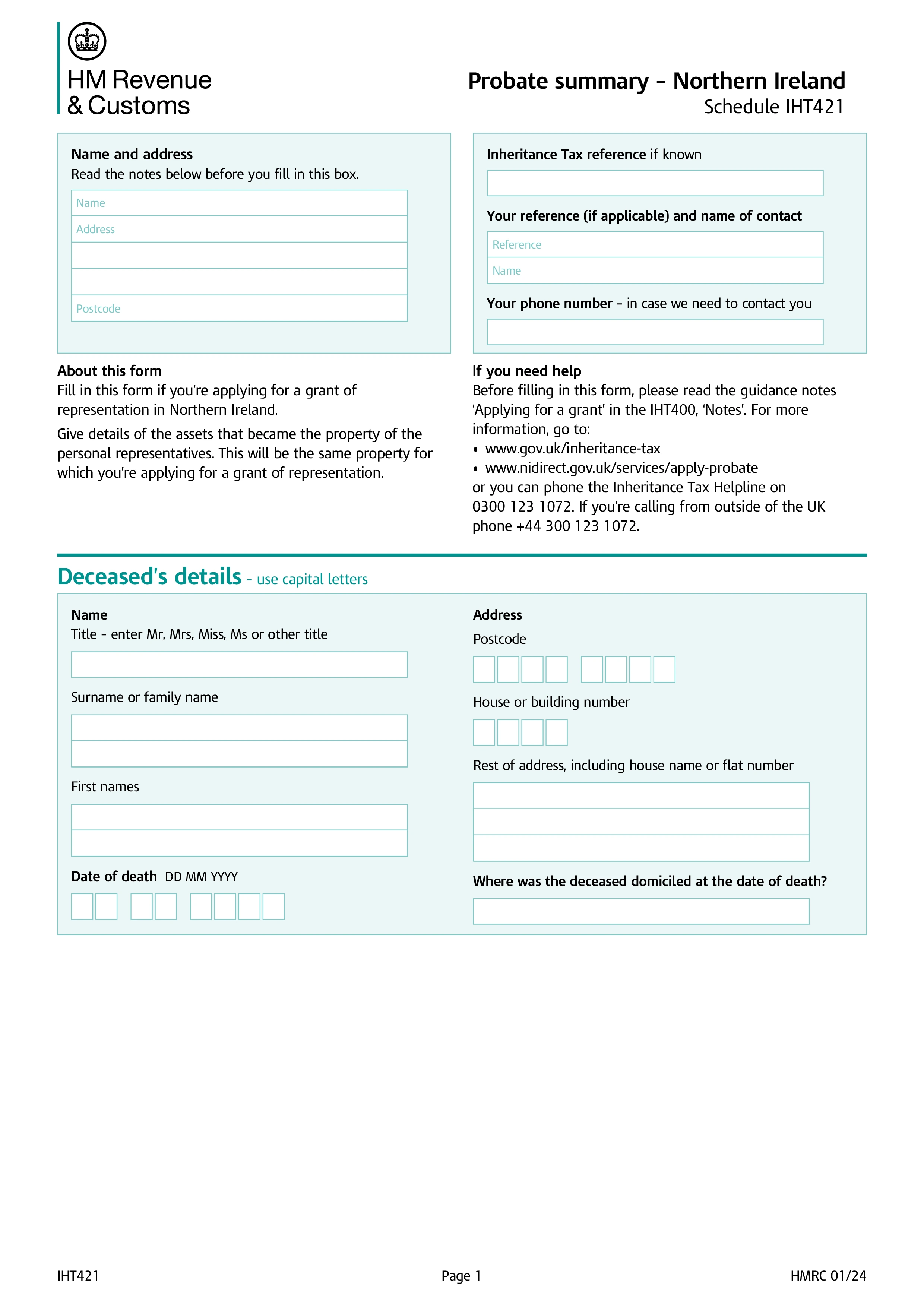
Form IHT421, Probate summary, connects HMRC's Inheritance Tax records to the probate registry so a grant of representation can be issued. It summarises the estate's gross and net values for probate purposes, drawn from the figures already reported on Form IHT400, and confirms that Inheritance Tax has either been paid or determined not to be due.
Since 17 January 2024, IHT421 is used only for grants of representation in Northern Ireland. Estates in England and Wales no longer use this form at all: HMRC now sends the executor an acknowledgement letter with a unique code and the estate's gross and net values once the IHT400 has been processed, and that code is used to register the probate application on the HMCTS online portal instead. Scottish estates use Form C1 rather than IHT421.
Executors submit IHT421 together with IHT400, and HMRC does not return a stamped copy to the applicant. Instead, once HMRC has reviewed the figures, it sends the cleared summary directly to the relevant probate registry, and the executor is notified separately once that's done. Applying for probate before HMRC's notification has reached the registry means the application simply sits in a queue until it arrives.
If asset values change after submission, for example a property sells for less than its probate valuation, or an unknown account or debt turns up, executors file a corrective account on Form C4 to update HMRC's figures. If the correction changes the gross or net estate value significantly, the probate registry may also need to be told, since it could affect the grant that's already been issued.
Choose your legal form
Browse the library or search to find the exact template you need
Answer simple questions
The guided editor turns your answers into a finished legal form
Sign your document
E-sign, then download, print, or share your legal document instantly
1.Choose your legal form
Browse the library or search to find the exact template you need
2.Answer simple questions
The guided editor turns your answers into a finished legal form
3.Sign your document
E-sign, then download, print, or share your legal document instantly