Form P53Z - Fill, Sign and Download | Pension Lump Sum Tax Claim
ZenDocs is not a law firm and does not provide legal advice.
ZenDocs is not a law firm and does not provide legal advice.
Reviewed by Zendocs Team. Updated 19 October 2026.
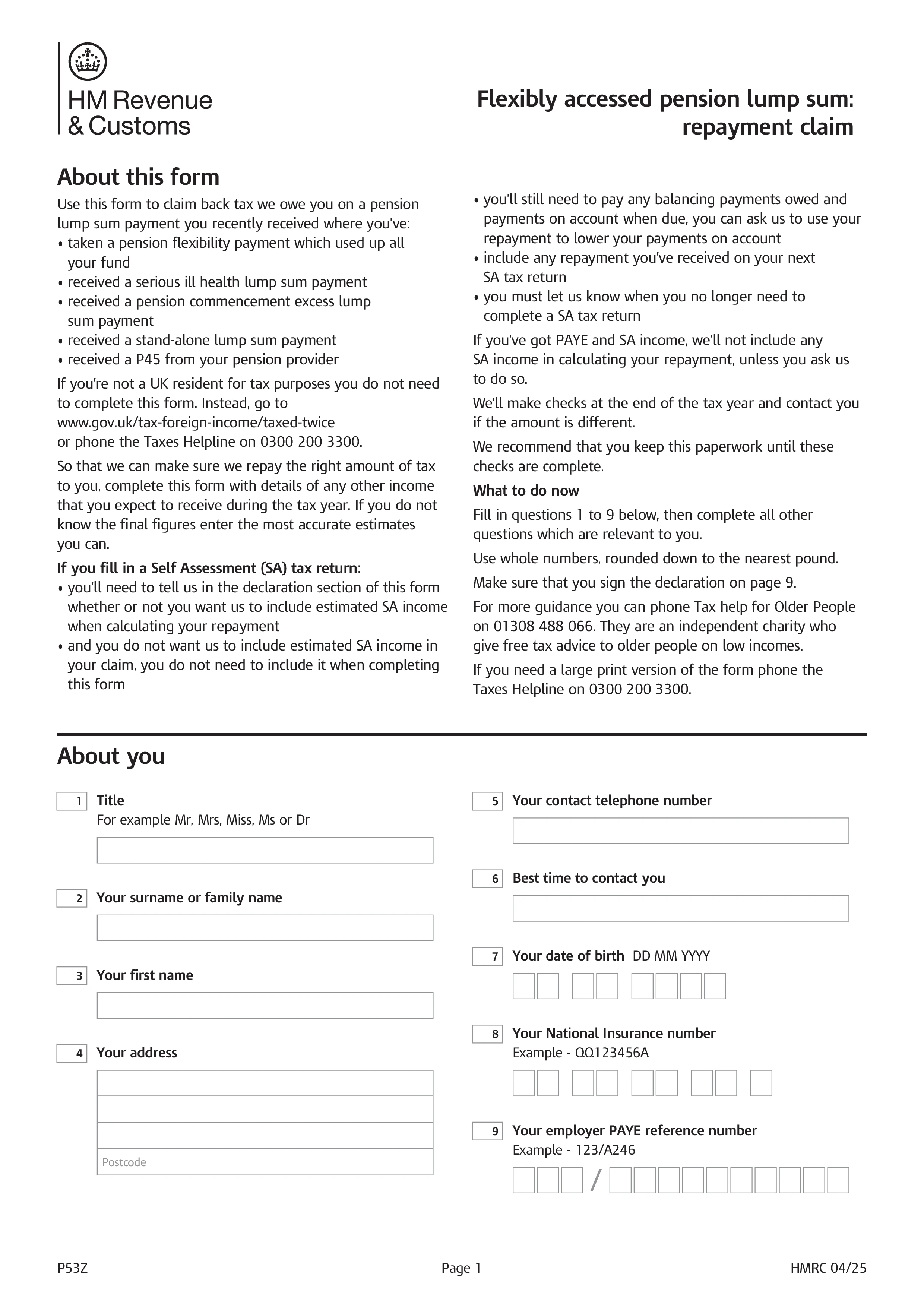
Form P53Z is HMRC's claim form to reclaim overpaid tax after you've fully cashed out a pension pot, whether through a flexible pension payment that used up the whole fund, a serious ill health lump sum, a pension commencement excess lump sum, or a stand-alone lump sum. It's specifically for people who also have other PAYE income and have received a P45 from their pension provider.
Use P53Z when you've emptied the whole pension pot and you have other income taxed through PAYE, such as a job, another pension, or taxable state benefits. If you've emptied the whole pot and have no other taxable income at all, use P50Z instead. If you've only taken part of your pot and won't be taking regular ongoing payments, use P55 instead. Each form exists because pension providers apply an emergency tax code to lump sum withdrawals that usually overtaxes the payment.
Details of your pension lump sum payment and the tax already deducted, along with a full picture of your other expected income for the tax year: employment income and any taxable benefits, self-employment profits, other UK pension income, taxable state benefits, savings interest, dividends, and any other income such as property or trusts. HMRC uses this complete picture, not just the pension payment on its own, to recalculate your tax position and work out any refund.
You need parts 2 and 3 of the P45 your pension provider gave you for the lump sum payment. Without them, HMRC can't process your claim, so if you've lost them, ask your pension provider for duplicates before sending the form. Complete the declaration, including whether you want any Self Assessment income included in the calculation if that applies to you, and post the form to HMRC's Pay As You Earn address. Repayments are made by cheque, either to you directly or to a nominee, and can't be paid by Bacs.
Choose your legal form
Browse the library or search to find the exact template you need
Answer simple questions
The guided editor turns your answers into a finished legal form
Sign your document
Sign, then download, print, or share your legal document instantly
1.Choose your legal form
Browse the library or search to find the exact template you need
2.Answer simple questions
The guided editor turns your answers into a finished legal form
3.Sign your document
Sign, then download, print, or share your legal document instantly