Form RP04 - Fill, Sign and Download | Second Filing of a Document
ZenDocs is not a law firm and does not provide legal advice.
ZenDocs is not a law firm and does not provide legal advice.
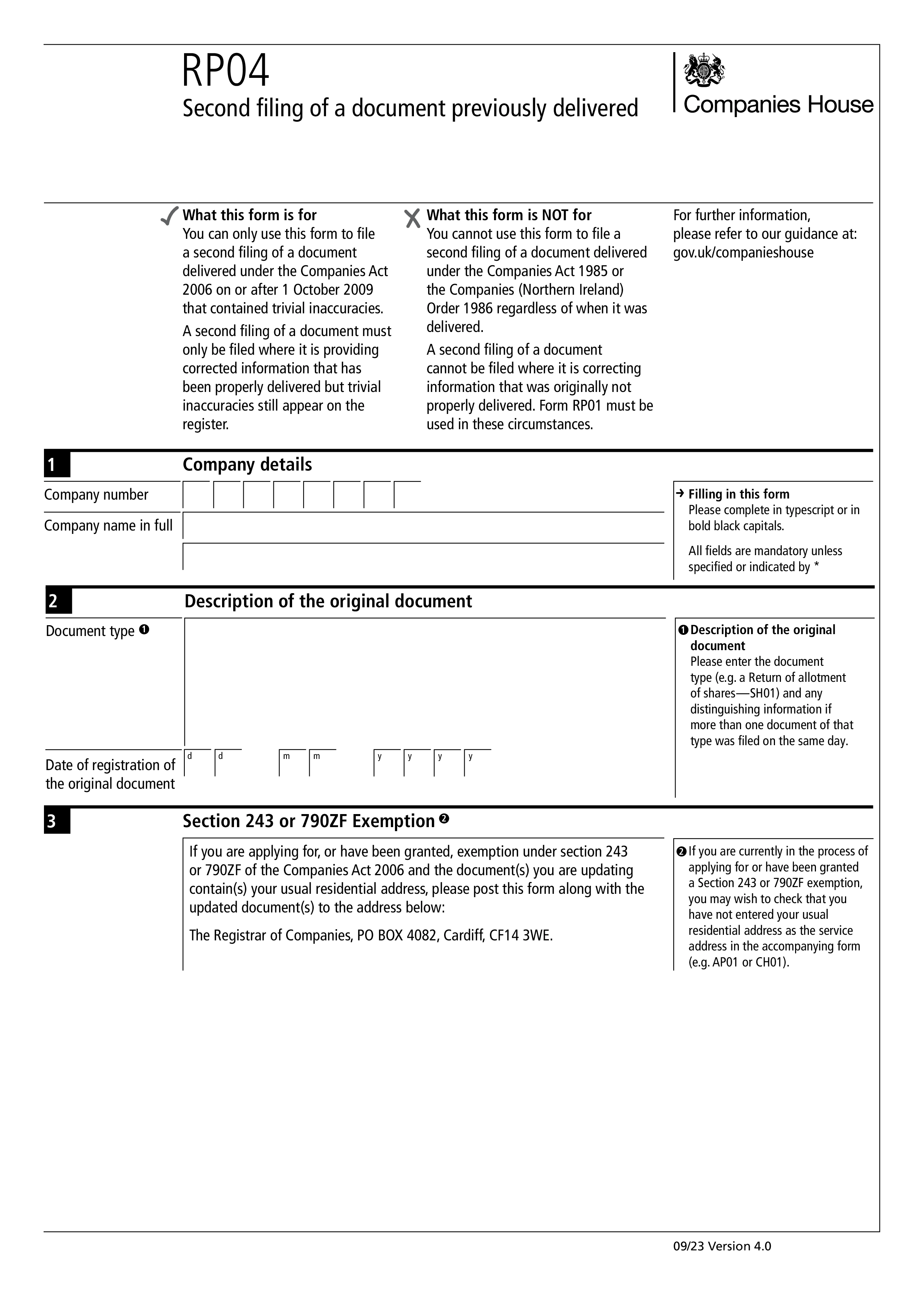
Form RP04, Second filing of a document previously delivered, is used to put right a document that was properly delivered to Companies House but still shows trivial inaccuracies on the register. You file it together with the corrected version of the original document, so the register shows the correct information.
Only for a document delivered under the Companies Act 2006 on or after 1 October 2009 that contained trivial inaccuracies. It cannot be used for documents delivered under the Companies Act 1985 or the Companies (Northern Ireland) Order 1986, whenever they were delivered. It also cannot be used where the original information was not properly delivered. In that case Form RP01 must be used.
You give the company number and name, then describe the original document, including its type, for example a return of allotment of shares on Form SH01, and the date it was registered. Add any distinguishing detail if more than one document of that type was filed on the same day. You can add presenter details, which are visible on the public record.
If you have applied for, or hold, a section 243 or 790ZF exemption and the document you are updating contains a usual residential address, post the form with the updated document to the Registrar of Companies at the Cardiff address printed on the form. If the company is in the PROOF scheme, you must also deliver Form PR03, Consent for paper filing. If you previously paid a fee for the document, do not send a fee with this form.
Choose your legal form
Browse the library or search to find the exact template you need
Answer simple questions
The guided editor turns your answers into a finished legal form
Sign your document
E-sign, then download, print, or share your legal document instantly
1.Choose your legal form
Browse the library or search to find the exact template you need
2.Answer simple questions
The guided editor turns your answers into a finished legal form
3.Sign your document
E-sign, then download, print, or share your legal document instantly