What is a Mobile Home Bill of Sale?
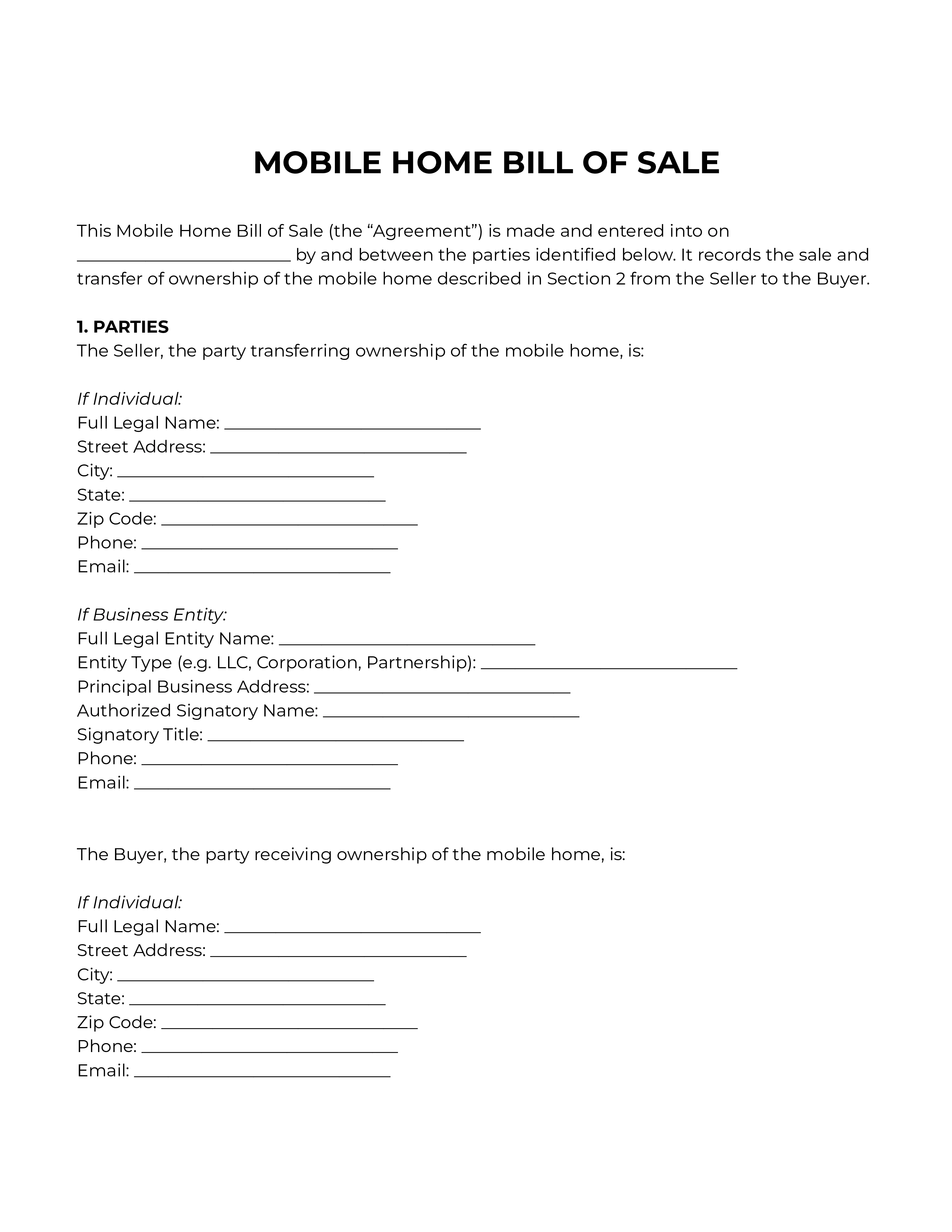
A Mobile Home Bill of Sale is a written record of the sale of a mobile or manufactured home from one person or business to another. It captures who is selling, who is buying, what the home is, what it's being sold for, and when ownership changes hands. It also records the seller's confirmations about the home — that they own it, that the title is clear, and that the home has not been converted to real property — and sets out whether the home is being sold "as-is" or with a limited warranty.
A mobile home is treated as personal property in most cases, much like a vehicle, and is identified by a VIN or serial number and (for homes built after June 15, 1976) a HUD label. This template is built for that situation: a sale of the home itself, where the title has not been retired and the home has not been permanently converted into real estate. If the title has been retired or the home has been converted to real property, the home transfers by deed and a different document is needed.
When People Use It?
- A private seller sells a mobile home directly to a private buyer
- A buyer needs a written record to register the home and transfer the title at the DMV or housing agency
- The seller wants to confirm in writing that the home is free of liens or to disclose any that exist
- The home is on leased land or in a manufactured home community and the parties want to clarify what does and does not transfer
- One party is a business (a dealer, an LLC, an estate) and the other is an individual
- The parties want to record disclosures about prior damage, prior insurance claims, or prior relocations
Why People Use It?
- Creates a clear, dated record of the sale that both parties can rely on later
- Helps the buyer register the home and transfer the title
- Captures the seller's confirmations about ownership, title status, and the home's identifiers
- Sets the buyer's and seller's expectations on condition, warranties, and disclosures
- Allocates responsibility for taxes, lot rent, utilities, and registration fees
- Clarifies that any existing lot lease or community agreement does not automatically pass to the buyer
- Protects both sides if a dispute comes up after the sale
What the Template Gives You?
- A complete Mobile Home Bill of Sale ready to fill in and sign
- Separate sections for individual and business-entity sellers and buyers
- Fields for the home's year, make, model, configuration, HUD label, VIN or serial number, and location
- A title-status section confirming the home is being sold as personal property
- An "as-is" sale clause with the option to add a limited warranty on specific components
- A disclosure section for known defects, prior damage, prior insurance claims, and prior relocations
- Seller's confirmations covering ownership, identifier match, no-stolen status, no real-property conversion, and liens
- A clause covering homes located on leased land or in a manufactured home community
- Tax and fee allocation between the buyer and the seller
- Standard governing law, entire agreement, and severability clauses
- An optional notary acknowledgment block